 Important Notice— Our url is


By SynergisticIT Editorial Team · Updated 2026-08-30
An ATS-friendly resume uses standard headings, simple formatting, and job-specific keywords so applicant tracking systems parse content correctly — a critical step since roughly 99% of Fortune 500 companies rely on ATS software. We guide software engineers and IT professionals through resume structure, keyword alignment, and formatting choices that boost parsing accuracy and generate more interview calls.
What Do You Need Before Optimizing Your Resume?

Three prerequisites matter most: a clear grasp of how applicant tracking software reads documents, knowledge of the keywords a role demands, and honest self-assessment of technical skill gaps. We’ve built our placement approach around these fundamentals since 2010, matching IT talent with employers ranging from small startups to Fortune 500 companies.
Why learn ATS mechanics before editing anything?
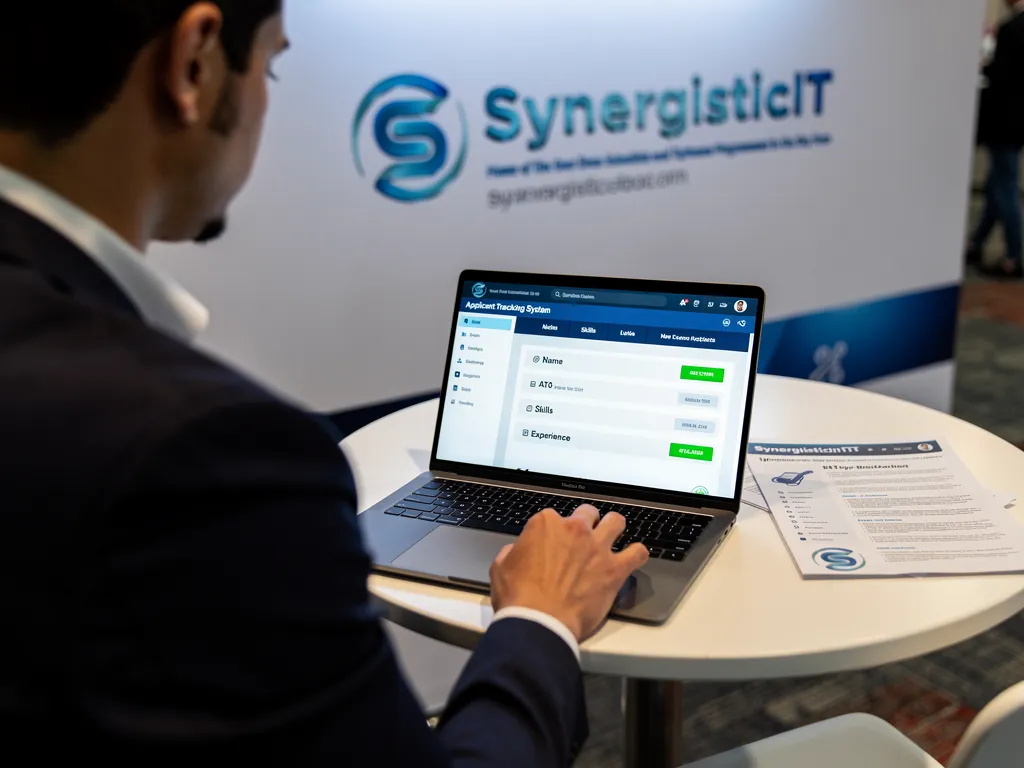
Understanding how ATS parses resumes helps applicants apply more effectively before a single line gets rewritten. Skipping this step means guessing at formatting instead of making informed choices, which wastes early drafts and delays interview calls.
What should candidates gather before drafting?
We recommend assembling these items first:
- The exact job posting text, so relevant terms and required skills stay visible while drafting.
- A list of technical tools, languages, and certifications tied to the target role.
- Recent project outcomes with measurable results, ready to slot into bullet points.
- Feedback from mock interviews or technical practice sessions.
We run mock interviews and technical interview preparation with candidates so they enter the job search with confidence, not just a polished document. Because we operate as both a staffing firm and a job placement program provider, candidates gain two distinct paths toward employment, and each benefits from this same groundwork.
How Does an ATS Actually Parse Your Resume?

How ATS parses resumes comes down to a simple database operation: extraction, storage, and ranking. Once a candidate submits an application, the system pulls contact information, work history, and skills from the document, then places that candidate into a ranked or searchable list for recruiters to review. Most tracking systems function like structured databases rather than digital filing cabinets, and some score applicants by comparing parsed data against the job posting — which is exactly why resume ATS keywords matter: a resume missing the posting’s terminology often loses ranking points before a recruiter ever opens it.
Why does resume parsing accuracy matter so much for tech candidates?
Software engineering and IT roles list dense, specific requirements, from programming languages to frameworks to certifications. When parsing software misreads a skills section, qualified candidates disappear from the ranked list entirely. We treat an ATS friendly resume as a baseline requirement, not an optional polish step, for every candidate in our placement pipeline.
How common are these systems in tech hiring?
Adoption is close to universal — about 99% of Fortune 500 companies use some form of applicant tracking system, filtering candidates through parsing software before any human review occurs. We help candidates keep pace with these shifts by reviewing existing formatting, identifying missing keywords, and restructuring content so extraction accuracy improves before submission.
What Resume Format Passes ATS Screening?

A simple, single-column layout with standard section headings passes automated screening most reliably. We define an ATS friendly resume as a document built with clean structure, conventional headings, and no design elements that block text parsing. Clean architecture matters in code; it matters on paper too.
What makes an ATS resume format work?
An effective ATS resume format avoids tables, text boxes, images, and multi-column designs, since these often confuse parsing engines. We recommend:
- Standard headings: Summary, Skills, Experience, Education, Certifications.
- A single-column layout with left-aligned text.
- A .docx or text-based PDF file — never an image-based PDF.
- Job titles and dates in a consistent, chronological format.
- No headers, footers, or embedded graphics that hide content from parsing software.
Should candidates build their own template or use a proven one?
We advise choosing a proven ATS resume template for tech roles rather than designing one from scratch. Strong templates handle compliant structure automatically, freeing candidates to focus on writing honest, results-driven content. Our own services span software development, technology upskilling, and IT staffing, and each reflects the same disciplined, professional presentation we expect from candidate resumes.
How Do You Find the Right ATS Keywords?
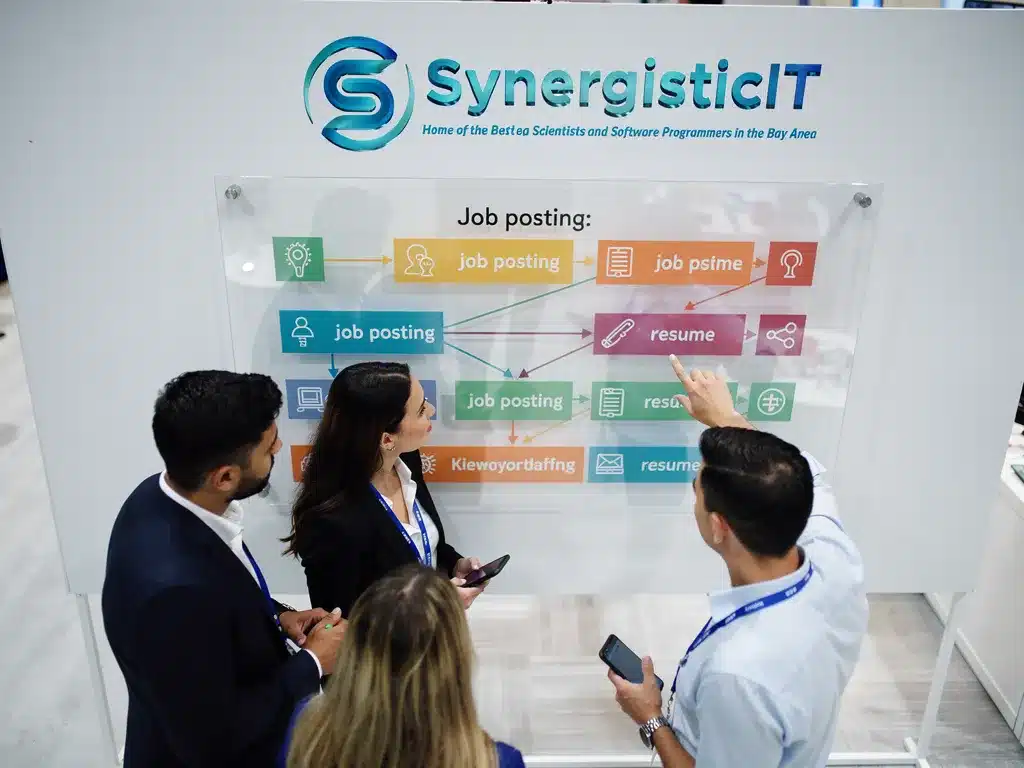
Finding the right resume ATS keywords starts with the job posting itself, not guesswork. ATS software scans resumes for keywords, job skills, and relevant experience that match the posted role, so we treat the job description as our primary source of truth. Keyword density alone isn’t the whole story — formatting, clear job titles, and honest representation of experience matter just as much.
What steps should we follow to pull the right keywords?
- Copy the full job description into a separate document.
- Highlight recurring nouns tied to skills, tools, and certifications.
- Separate hard skills (languages, frameworks) from soft skills (communication, collaboration).
- Match those terms to your own verified experience before inserting them.
- Place the strongest matches in both the summary and experience sections, since ATS parsers weigh placement and repetition.
Which technical keywords matter most for tech candidates?
Our training seminars center on Java, J2EE, and Full Stack development, and these terms represent core keywords for anyone targeting similar positions. Our broader technical training programs at SynergisticIT focus on Java and other in-demand technologies, reflecting the same skill sets employers search for through automated systems. We build our curriculum around these in-demand skills precisely because employers query for them by name, giving job seekers who speak that language a measurable advantage over generic submissions.
How Should Tech Resumes Showcase Skills and Experience?

Strong technical resumes list concrete skills first, then back them with employer-ready proof. Every applicant tracking system resume has to clear that screening before a recruiter ever sees it, since Applicant Tracking Systems exist because employers need a way to manage the volume of applications flooding technical roles.
- List core technical skills near the top, grouped by category (languages, frameworks, tools).
- Attach measurable outcomes to each role, not just job duties.
- Name real client environments where the work occurred, when confidentiality allows.
- Order experience by relevance to the target role, not strictly by date.
What experience matters most to technical recruiters?
Recruiters weigh hands-on delivery experience with recognizable technology employers heavily. Our job placement program connects candidates directly to major clients such as Google, Apple, and Intel, giving candidates the kind of employer-ready experience worth listing on a resume.
How do we decide which skills employers actually want?
We rely on our track record since 2010 across software development, IT staffing, and IT skill enhancement to identify in-demand skills, since skills tied to active client demand signal readiness for immediate contribution better than skills learned in isolation. A resume built this way satisfies parsing software and gives a human reviewer a clear, evidence-backed case for an interview.
Which Formatting Elements Should You Avoid Using?
Tables, columns, text boxes, images, and decorative headers break parsing on most applicant tracking systems. Building an ATS friendly resume means stripping away design choices meant for human eyes and replacing them with structure a machine can read cleanly.
Remove the following before submission:
- Multi-column layouts that scramble reading order during extraction.
- Embedded tables, text boxes, and graphics that hide text from parsers.
- Uncommon fonts, icons, or symbols in place of standard bullet points.
- Headers and footers holding contact details, since many systems skip them entirely.
- Non-standard section titles that replace conventional headings like “Work Experience.”
We treat formatting integrity with the same discipline we apply to protecting client information — SynergisticIT safeguards partner data under strict security protocols and current encryption standards, and we ask candidates to give resume structure that same care.
Do headers and footers actually get ignored by ATS software?
Yes. Many systems skip header and footer fields when scanning, so contact information placed there never reaches the recruiter. Place name, phone number, and email directly in the resume body instead.
Should tech candidates use a different template than other job seekers?
An ATS resume template for tech professionals still needs plain formatting, organizing technical skills into one clearly labeled section. Understanding how ATS parses resumes helps engineers decide where certifications and programming languages belong for stronger scoring.
How Do You Test Your Resume Before Applying?

Testing starts before submission, not after rejection emails pile up. We use a five-step verification process for every candidate we prepare:
- Copy the resume text into a plain text editor. If headings, dates, or bullet points scramble into an unreadable block, the formatting will likely confuse an ATS too.
- Scan the job posting for repeated terms and skills. Match those resume ATS keywords against what already appears in the experience section.
- Check for standard section headings. “Work Experience,” “Skills,” and “Education” parse more reliably than creative labels.
- Remove tables, columns, and graphics. These often scramble the extraction process entirely.
- Have a second person read the plain-text version. Fresh eyes catch missing context that spell-check tools miss.
Why Does My Resume Keep Getting Rejected?
Constant rejection, especially without an interview, often signals a parsing failure rather than a qualifications gap.
Should I Test My Resume for Every Job Application?
Yes. Different postings pull different keywords, so retesting matters each time. An exceptional resume, much like an exceptional education, requires ongoing refinement rather than a single one-time polish.
What Mistakes Still Sabotage ATS Friendly Resumes?

Overloaded formatting, generic content, and volume-over-precision thinking remain the top culprits behind rejected applications, and the real goal is making sure the right hiring managers actually see a resume, not flooding inboxes — a technically correct ATS friendly resume still fails if it never reaches a human reviewer. We cap enrollment at seven candidates per session so each professional receives individualized feedback on formatting, keyword placement, and phrasing before submitting applications, catching mistakes early rather than after dozens of rejections.
Why Do Technically Correct Resumes Still Get Ignored?
A resume can clear the parsing stage and still fail to connect with a recruiter. Passing an automated scan is only the first hurdle — the deeper goal is a genuine connection between a candidate’s skills and an employer’s actual needs.
- Strip decorative graphics, tables, and columns that block accurate text extraction.
- Rebuild the document using a clean, single-column ATS resume format.
- Replace vague duties with measurable, role-specific accomplishments.
- Align phrasing with the target posting to strengthen resume ATS keywords relevance.
- Review the final draft in a small-group session before submission.
Does Fixing Formatting Guarantee More Interviews?
Formatting alone does not guarantee results. Candidates need feedback that connects their resume to real hiring conversations, which is exactly why our individualized coaching model exists.
Quick ATS Resume Checklist
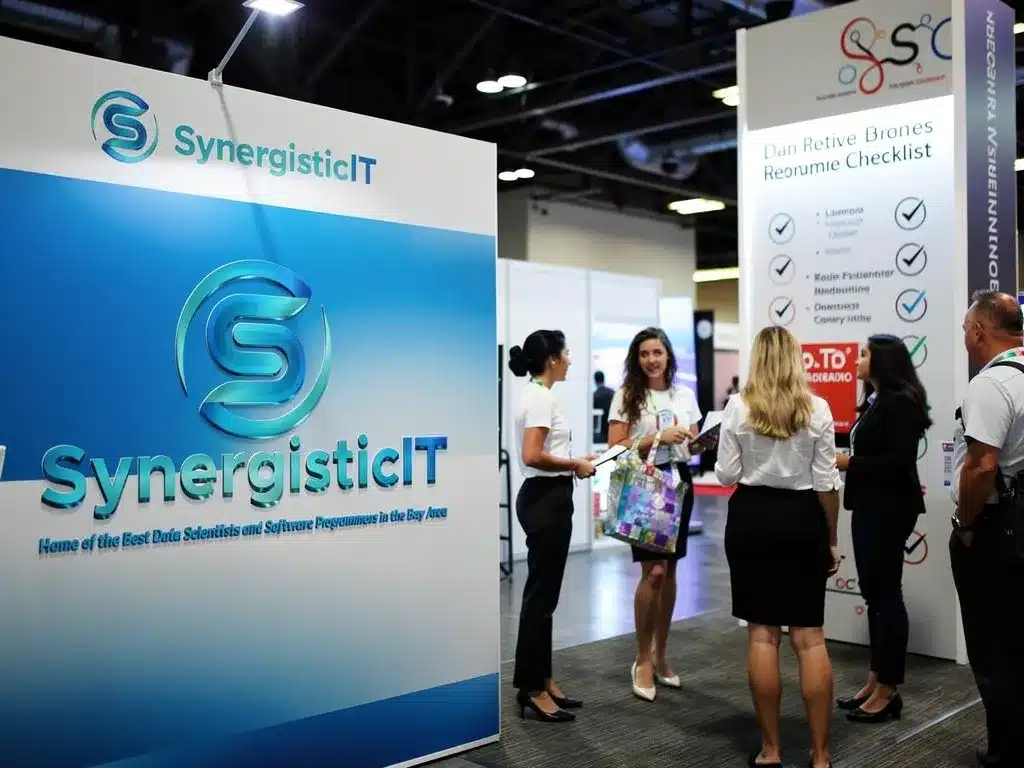
Use this checklist as a final pass after drafting an ATS friendly resume, not as a substitute for tailoring each version to the posting.
Layout and Formatting Checklist
- List your most recent role first (reverse-chronological order).
- Keep a single-column layout; skip tables, columns, and text boxes.
- Label sections with standard names: Work Experience, Education, Skills, Certifications.
- Choose common fonts (Arial, Calibri, Georgia, Helvetica, Times New Roman) at 10-12 pt.
- Set margins between 0.5 and 1 inch with enough white space so no text gets cut off.
- Put your name, phone, email, and LinkedIn URL in the document body, never in a header or footer.
- Remove photos, logos, icons, charts, and skill-rating bars, since parsers cannot read them.
- Use plain round or square bullets instead of decorative symbols or emojis.
- Keep dates consistent, such as “May 2023,” and include company, location, title, and start/end dates for every job.
- Left-align the page and never hyphenate a keyword across two lines.
Keywords and Content Checklist
- Copy the posting’s exact terms for tools, skills, and job functions, then personalize them with your real work.
- Include both the acronym and the full name, such as “Amazon Web Services (AWS).”
- Weave resume ATS keywords into your summary, Skills section, and bullets instead of stuffing a hidden keyword list.
- Replace vague words like “various” or “several” with named tools and outcomes.
- Quantify achievements, for example “Built REST APIs in Spring Boot for a microservices platform that cut latency 30%.”
- Keep a dedicated Skills section listing hard skills spelled the same way the employer uses them.
- Avoid keyword stuffing — only include keywords you can genuinely support in an interview.
File Type and Naming Checklist
- Submit .docx or PDF as the posting requests; never send JPG, PNG, Pages, or InDesign files.
- Name the file professionally, such as FirstName-LastName-Resume.pdf.
Test Before You Apply Checklist
- Paste the resume into a plain-text editor and check for missing text, jumbled order, or dropped contact details.
- Tailor a version for each role; one generic file rarely matches the keywords a given ATS is scoring.
Conclusion

An ATS-friendly resume is more than technical optimization — it reflects your commitment to clarity and professionalism in your career journey. By implementing these formatting practices, you position yourself to advance past automated screening systems and reach hiring managers who evaluate your genuine qualifications. At SynergisticIT, a polished, scannable resume forms the foundation of successful placements with leading technology companies. Enhance your brand and demonstrate genuine interest to secure your dream tech role.